Lead Enrichment: How to Add Missing Business Data
Learn how lead enrichment can add missing business data, improve prospect records, and create a more useful database for sales and business development.
_Mesa-de-trabajo-1.svg)
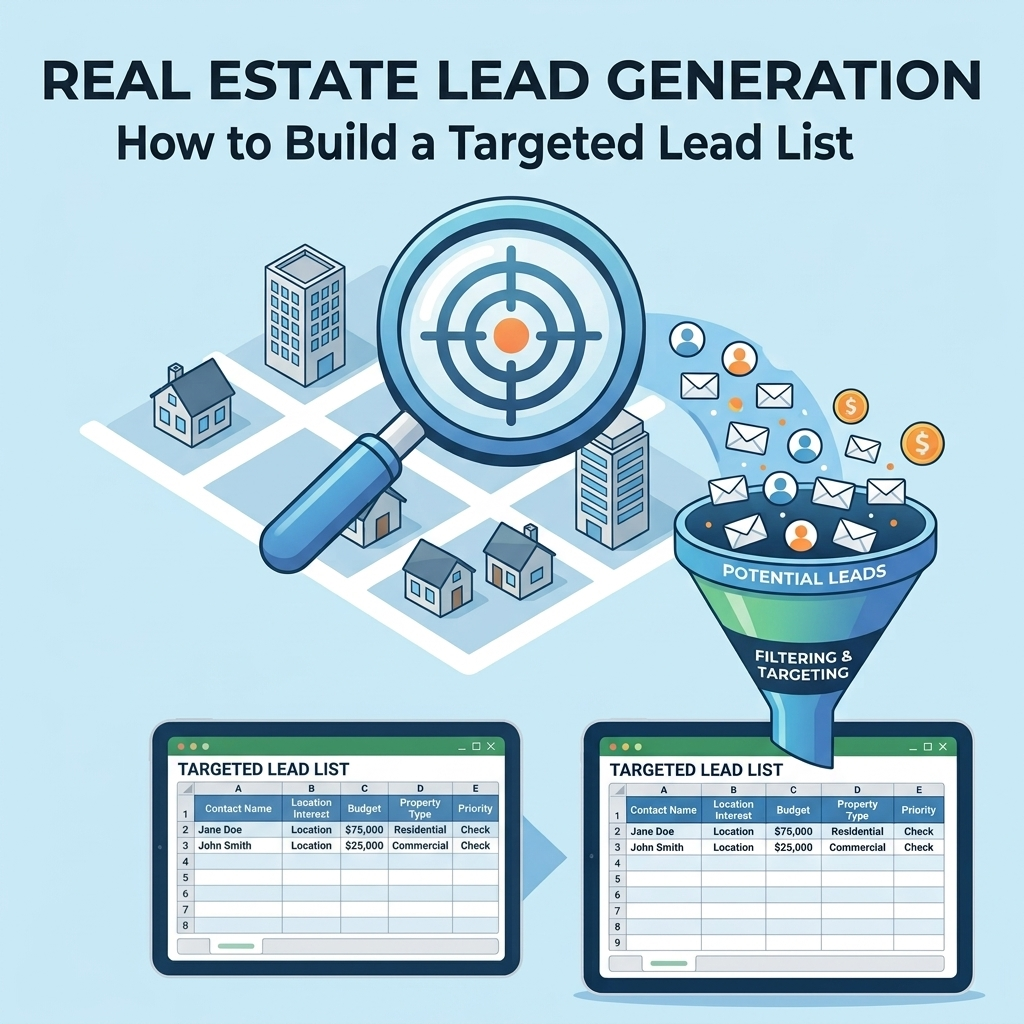
Lead enrichment is the process of adding useful missing information to existing prospect or business records. Instead of replacing an existing lead list, enrichment improves the information already available so the database becomes easier to search, segment, qualify, and use.
A lead record might contain a company name but no website, a contact name but no role, or a business address without consistent geographic fields. Lead enrichment provides a structured way to identify those gaps and add the information needed for the intended business workflow.
What Is Lead Enrichment?
Lead enrichment is the process of improving existing lead records by adding missing or more useful business information.
The objective is not simply to add more columns to a spreadsheet. Each enriched field should have a practical purpose within prospecting, qualification, segmentation, reporting, or another business process.
Depending on the database, enrichment may involve fields such as:
- Company or organization information.
- Website and domain information.
- Business location.
- Industry or business category.
- Contact name.
- Job title or professional role.
- Business contact information.
- Lead qualification fields.
- Segmentation attributes.
Why Add Missing Business Data to Existing Leads?
An existing lead list may contain valuable records while still lacking the information needed to use those records effectively.
For example, a database might have:
| Existing Data | Potential Missing Data | Why It May Matter |
|---|---|---|
| Company name | Website | Helps organize and review the business record |
| Company name and address | Industry category | Supports segmentation |
| Contact name | Role or title | Provides additional contact context |
| Business location | Standardized geographic fields | Makes filtering more consistent |
| Basic prospect record | Qualification status | Helps organize follow-up priorities |
Enrichment should therefore be driven by a specific data need rather than by the assumption that every available field should be collected.
1. Audit Your Existing Lead Database First
Before adding new information, understand what you already have. Enriching a poorly structured database without first reviewing it can create more duplicate or inconsistent data.
Start by reviewing:
- Available fields.
- Missing fields.
- Duplicate records.
- Inconsistent formatting.
- Incomplete records.
- Irrelevant records.
- Fields that are no longer useful to the business process.
The result should be a clear list of data gaps that need to be addressed.
2. Define Which Data You Actually Need
Not every missing field needs to be filled. The right enrichment plan depends on how the database will be used.
Ask questions such as:
- Which fields are required for prospect qualification?
- Which fields are needed for segmentation?
- Which information is necessary for the next sales or business development step?
- Which fields are needed for reporting?
- Which missing information is causing the most manual work?
For example, if the main problem is that a sales team cannot separate prospects by location, geographic enrichment may be more useful than adding several unrelated contact fields.
3. Create an Enrichment Field Map
Before starting the enrichment work, create a simple field map that defines what is missing and how the new information should be structured.
| Field | Current Status | Enrichment Requirement | Standard Format |
|---|---|---|---|
| Company name | Available | Review consistency | Standard business name |
| Website | Missing for some records | Add where appropriate | Consistent domain format |
| Industry | Incomplete | Classify applicable records | Defined category list |
| Location | Inconsistent | Standardize | Defined geographic fields |
| Contact role | Incomplete | Add where relevant | Consistent role naming |
This field map becomes the working specification for the enrichment process.
4. Separate Data Enrichment From Data Cleaning
Data cleaning and enrichment are related, but they are not the same activity.
Data cleaning focuses on improving the consistency and quality of information that already exists. This can include correcting formatting, removing duplicates, and resolving obvious inconsistencies.
Data enrichment focuses on adding useful information that is missing from the existing record.
In practice, both processes may be performed together. However, keeping the objectives distinct makes it easier to track what changed and why.
5. Match Records Before Adding New Data
Before adding information to a lead, establish which existing record the information belongs to. This is particularly important when data comes from multiple sources.
Potential matching fields can include:
- Company name.
- Website domain.
- Business address.
- Contact name.
- Other relevant business identifiers.
Do not merge records solely because two names appear similar. When the available information is not sufficient to establish a reliable match, the record should be flagged for review rather than merged automatically.
6. Standardize Enriched Information
Adding new data without standardization can create another layer of inconsistency.
For example, an industry field should not contain several variations for the same classification unless those distinctions are intentionally part of the database design.
Define formatting rules for fields such as:
- Company names.
- Industry categories.
- Job titles.
- Phone numbers.
- Email addresses.
- Addresses.
- City and state values.
- Website domains.
Consistent formatting makes enriched data easier to filter, compare, segment, and maintain.
7. Prioritize High-Value Missing Fields
If a database contains many incomplete records, enrich the fields that provide the greatest practical value to the business process first.
A simple prioritization framework can be based on three questions:
- Does the field support a business decision?
- Does the field improve how prospects can be segmented or qualified?
- Does the field reduce manual work in a recurring process?
If the answer is no to all three, the field may not be a priority for enrichment.
8. Enrich Company-Level Information
Company-level enrichment can improve the usefulness of an organization database by adding information that helps distinguish one business from another.
Depending on the use case, company-level fields may include:
- Company website.
- Business location.
- Industry or category.
- Organization type.
- Business classification.
- Other defined firmographic information.
Choose fields based on the purpose of the database. A sales prospecting database and an internal reporting database may require different enrichment fields.
9. Enrich Contact-Level Information
When individual contacts are part of the database, contact-level enrichment can add context that helps organize the relationship between the person and the organization.
Useful fields may include:
- Contact name.
- Job title.
- Professional role.
- Associated company.
- Business contact information.
- Other campaign-specific contact attributes.
Keep contact information connected to the correct organization. A complete contact record attached to the wrong company is not useful enrichment.
10. Enrich Geographic Data
Geographic information is often easier to use when it is separated into consistent fields rather than stored as one unstructured address.
Depending on the database, useful geographic fields can include:
- Country.
- State or region.
- City.
- Postal code.
- Defined market or territory.
This structure can make it easier to create geographic segments and review records by market.
11. Use Enrichment to Improve Lead Segmentation
Enrichment becomes particularly useful when the new information supports meaningful segmentation.
For example, an organization database may be segmented by:
- Industry.
- Geography.
- Organization type.
- Business size classification.
- Contact role.
- Qualification status.
The important question is not how many segments you can create. It is whether the enriched fields help the team decide what to do with each group.
12. Add Qualification Information Where Appropriate
Lead enrichment can also include fields that help organize qualification information.
Examples of structured fields include:
- Qualification status.
- Target-profile match.
- Review status.
- Data completeness status.
- Next processing stage.
These fields should reflect clearly defined business rules. Avoid creating labels that different team members may interpret differently.
13. Validate the Enriched Records
Enrichment is not complete simply because a missing field has been populated. The new information should be reviewed according to the database's quality standards.
A basic validation process can include:
- Confirm that the enriched information belongs to the correct record.
- Check that the field follows the required format.
- Review potential conflicts with existing information.
- Flag uncertain records for manual review.
- Check for duplicates created during the enrichment process.
- Record the enrichment status where useful.
This helps prevent the enrichment process from simply replacing missing data with inconsistent or incorrectly matched information.
14. Track What Was Enriched
For larger databases, it can be useful to track which records have been enriched and which still require work.
A simple status structure might include:
| Status | Meaning |
|---|---|
| Not Reviewed | The record has not entered the enrichment process |
| Needs Enrichment | One or more required fields are missing |
| In Review | The record is being researched or checked |
| Enriched | The defined enrichment requirements have been completed |
| Needs Review | Additional verification or manual review is required |
The exact statuses should match the team's workflow rather than adding unnecessary process steps.
15. Automate Repetitive Enrichment Work Carefully
Some enrichment workflows contain repetitive tasks that can be organized into a more systematic process. Automation can be considered when the same rules are applied repeatedly to structured records.
Before automating a step, define:
- The input data.
- The field that needs enrichment.
- The matching rule.
- The expected output format.
- The validation rule.
- The exception or review process.
Automation should not remove the need for review when the matching criteria are uncertain. A clear exception process is particularly important for records that do not fit the standard pattern.
16. Use Enriched Data for Business Reporting
Enriched business data can also improve internal reporting when the added fields are consistently structured.
For example, standardized industry, geography, organization type, or qualification fields can make it easier to organize business records into meaningful reporting categories.
BrainyFlavors provides Business Intelligence services for businesses that need structured data to support reporting and business analysis.
Lead Enrichment Workflow
A practical lead enrichment process can be organized into the following sequence:
- Audit: Review the existing database.
- Define gaps: Identify the fields that are missing or inconsistent.
- Prioritize: Select the fields that support the business workflow.
- Match: Connect new information to the correct existing records.
- Enrich: Add the required business data.
- Standardize: Apply consistent formats and classifications.
- Validate: Review the enriched records.
- Segment: Use the improved data for practical business groups.
- Track: Record enrichment status where useful.
- Maintain: Establish a process for future updates.
Lead Enrichment Checklist
| Task | Complete? |
|---|---|
| Existing database has been audited | Yes / No |
| Missing fields have been identified | Yes / No |
| Required enrichment fields are documented | Yes / No |
| Field formats are standardized | Yes / No |
| Record matching rules are defined | Yes / No |
| Potential duplicates are reviewed | Yes / No |
| Enriched records are validated | Yes / No |
| Enrichment status is tracked where needed | Yes / No |
| Enriched fields support useful segmentation | Yes / No |
| Ongoing maintenance is defined | Yes / No |
Common Lead Enrichment Mistakes
Enriching Every Possible Field
More data is not automatically more useful. Unnecessary fields can increase maintenance work without improving the business process.
Skipping the Initial Database Audit
Starting enrichment without understanding the existing database can lead to duplicate work and inconsistent records.
Adding Data Without Matching Records Carefully
New information must be associated with the correct organization or contact. A wrongly matched record can be more problematic than an incomplete one.
Ignoring Standardization
Adding information in inconsistent formats makes the enriched database harder to filter, compare, and maintain.
Failing to Validate Enriched Data
Populating a field does not automatically mean that the field is correct. Define validation and exception-handling rules before the enrichment process begins.
Treating Enrichment as a One-Time Project
Business databases change over time. A sustainable enrichment process should include a method for identifying new gaps and reviewing existing information.
When to Use External Data Enrichment Support
Internal teams can manage smaller enrichment projects, but larger or recurring workflows may require dedicated research, data entry, validation, and process management.
BrainyFlavors provides lead generation services for businesses that need structured prospect data and repeatable lead-generation workflows. When the work is primarily focused on organizing and processing existing information, data entry services may also be relevant.
Final Takeaway
Lead enrichment is most useful when it starts with a clear understanding of what information is missing and why that information matters. The process should combine database auditing, field planning, record matching, data standardization, enrichment, validation, and ongoing maintenance.
The goal is not to collect the maximum amount of business data. It is to create more complete and usable records that support prospecting, segmentation, qualification, reporting, and other defined business processes.
Written by
Ashraful Haque
Process Improvement Consultant & Operations Specialist with expertise in Lean Six Sigma, financial workflows, and business intelligence systems.
Comments
Leave a comment
Comments are moderated and will appear after approval.
Recommended Products

Laplink PCmover Ultimate 11 - Migration of your Applications, Files and Settings from an Old PC to a New PC - Data Transfer Software - With Optional High Speed Ethernet Cable - 1 License
Migrate your applications, files, and settings from an old PC to a new one automatically - with optional high-speed Ethernet cable support.
Check Price
BLU MONACO | Gold Desk Organizer Set with Mail Sorter, Sticky Note Holder, Pen Cup, Magazine Holder, Letter Tray & Business Card Holder | Stylish Desk Accessories for Women & Home Office Décor
A polished all-in-one desk organization set designed to bring order to mail, notes, pens, documents, and business cards while elevating your workspace.
Check Price
Business Card Holder,PU Leather Business Card Case Color Printing Pattern Card Holder Wallet,Pockets Magnetic Credit Card Holders for Men and Women - Flamingo
A stylish flamingo-patterned card holder that adds personality to networking while keeping essential cards neatly organized and accessible.
Check PriceRelated Articles
Accounts Receivable Process: A Complete Practical Guide
Learn how the accounts receivable process works, from invoicing and payment tracking to collections, reconciliation, reporting, and automation.
Read Article →Lead Data Cleaning: How to Clean a Lead List
Learn how to clean a lead list by removing duplicates, standardizing data, fixing incomplete records, and maintaining better lead quality.
Read Article →What Is Business Web Scraping? A Practical Guide
Learn how business website scraping works, from identifying target pages and fields to extracting, cleaning, validating, and delivering structured data.
Read Article →