How to Build a Company Database for Sales Prospecting
Learn how to build a company database for sales prospecting using clear targeting, structured data, validation, segmentation, and repeatable workflows.

Building a company database for sales prospecting is more than collecting business names and contact details. A useful database gives sales teams structured information they can search, filter, segment, qualify, and use throughout the prospecting process.
Whether you are building a small prospect list or a larger B2B company database, the same principle applies: define what a useful company record looks like before collecting the data. This prevents a common problem where a database grows in size but becomes difficult to use for actual sales work.
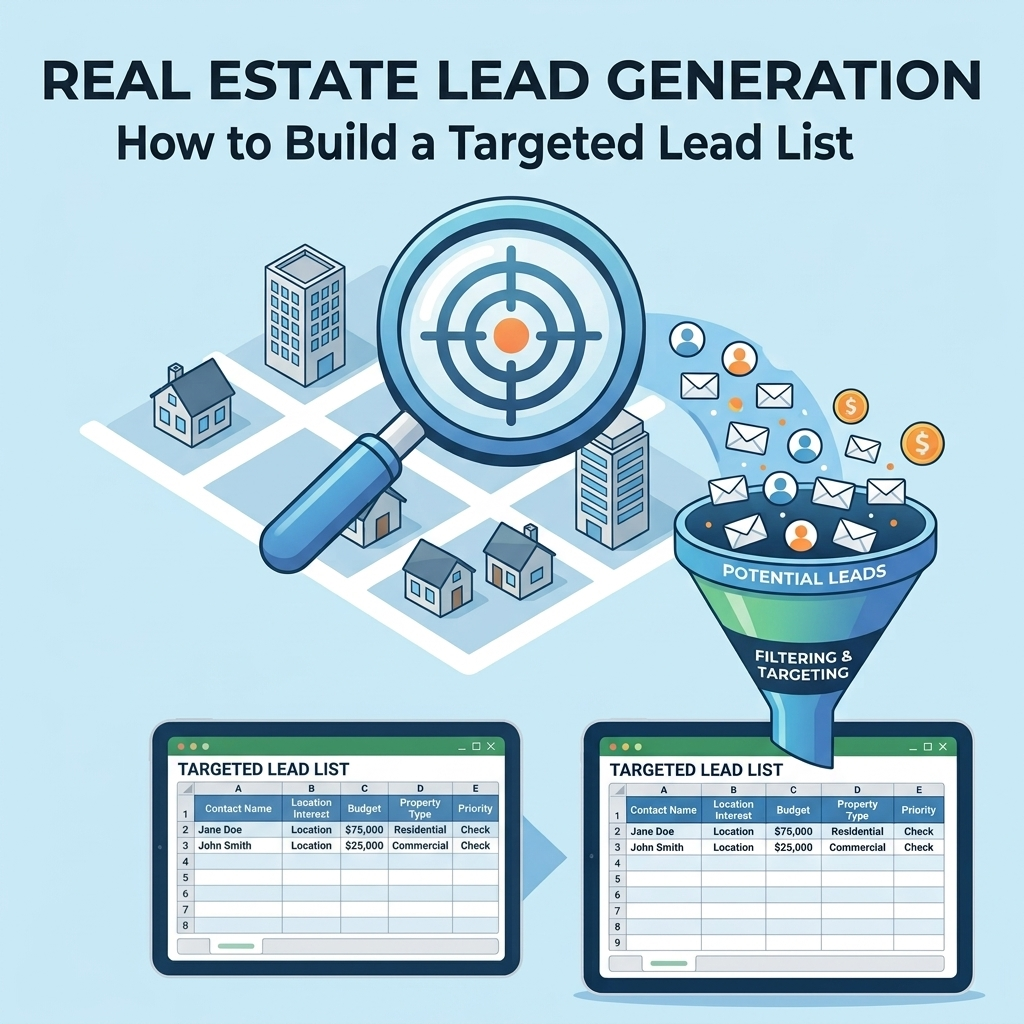
What Is a Company Database?
A company database is a structured collection of information about businesses that an organization may want to research, contact, qualify, or sell to.
A company record can contain information such as:
- Company name
- Business website
- Industry
- Business location
- Company type
- Relevant business categories
- Decision-maker or contact information
- Lead source
- Qualification status
- Sales segment
- Notes and other relevant fields
The exact fields should depend on how the database will be used. A company database created for sales prospecting may require different information from one created for market research, supplier management, or customer analysis.
Why Build a Company Database for Sales Prospecting?
Sales prospecting becomes difficult when information is scattered across spreadsheets, notes, directories, inboxes, and individual employee records.
A structured company database can provide a common place to organize prospect information and apply consistent criteria.
It can help teams:
- Define and organize target companies
- Search for prospects by relevant characteristics
- Segment companies for different sales activities
- Identify incomplete or duplicate records
- Prioritize companies for further research
- Maintain a repeatable prospecting workflow
- Track how prospects move through the sales process
However, a database is only as useful as its structure and data quality. Simply adding more companies does not automatically create a better prospecting system.
Step 1: Define the Purpose of the Database
Before collecting company information, define what the database needs to accomplish.
Ask questions such as:
- Who will use the database?
- Which companies should be included?
- What sales or research activity will the database support?
- Which fields are necessary?
- How will companies be qualified?
- How will the data be updated?
- What output format does the sales team need?
For example, a database designed for outbound sales may need detailed company and contact information, while a market research database may focus more heavily on company characteristics and industry classification.
Step 2: Define Your Ideal Company Profile
The ideal company profile provides the foundation for deciding which businesses belong in the database.
Depending on your sales model, define criteria such as:
| Criteria | What to Define |
|---|---|
| Industry | Which industries are relevant? |
| Location | Which geographic markets should be covered? |
| Business type | Which types of organizations should be included? |
| Company characteristics | Which company attributes matter to the sales process? |
| Target roles | Which decision-makers or business roles are relevant? |
| Exclusions | Which companies should not be included? |
Document these rules before data collection begins. Otherwise, different people may interpret the target market differently and create inconsistent records.
Step 3: Decide Which Company Data Fields You Need
A well-designed database starts with a clear data structure. Every field should have a purpose.
Core Company Fields
- Company name
- Website
- Industry
- Business category
- Location
Sales Prospecting Fields
- Target contact role
- Contact name, where relevant
- Business contact information
- Lead status
- Lead source
- Sales segment
Qualification Fields
- Target-market match
- Qualification status
- Inclusion or exclusion status
- Research notes
- Follow-up status
Avoid adding fields simply because they are available. Unused fields increase database complexity and can make maintenance more difficult.
Step 4: Choose Your Data Sources
The next step is determining where company information will come from.
Depending on the project, sources may include:
- Company websites
- Public business directories
- Industry directories
- Professional networks
- Trade associations
- Existing business records
- Inbound inquiries
- Event or conference information
Different sources can produce different types and levels of information. Before combining them, establish a consistent structure so records can be compared and processed using the same rules.
Step 5: Create a Standard Company Record
Standardization is one of the most important parts of building a usable company database.
Consider a situation where the same company appears in several records as:
- ABC Technologies
- ABC Technology
- ABC Technologies Inc.
Without a consistent approach, these records may be treated as different companies even when they represent the same business.
Define rules for how company names, locations, categories, websites, and other important fields should be represented. The exact rules should match the database's purpose and the organization's existing data standards.
Step 6: Collect Company Data Systematically
Once the structure is defined, collect information according to the documented criteria rather than adding companies randomly.
A practical collection process is:
- Identify the target industry or market.
- Find companies matching the target criteria.
- Capture the required company fields.
- Apply the defined naming and formatting standards.
- Record the source of the information when useful.
- Apply inclusion and exclusion rules.
- Send records through the quality-control process.
This creates a repeatable method that can be used by different team members without requiring everyone to develop their own approach.
Step 7: Remove Duplicates
Duplicate records can make a company database harder to use and can distort the apparent size of the prospect pool.
Potential duplicate indicators include:
- Matching company names
- Matching websites
- Matching business locations
- Similar company names with standardized variations
- Repeated contact information
Do not automatically merge records based on one field when the identity of the company is uncertain. Establish a matching process that considers the fields most relevant to the database.
Step 8: Validate the Database
Validation helps identify records that do not meet the database's requirements.
A basic validation checklist can include:
- Required fields are present
- Company names follow the defined format
- Websites are stored consistently
- Locations are structured consistently
- Industry classifications follow the chosen taxonomy
- Duplicate records have been reviewed
- Excluded businesses have been removed or clearly marked
- Records contain enough information for their intended use
Validation should be part of the workflow rather than a one-time activity performed only after the database becomes large.
Step 9: Segment the Company Database
Segmentation turns a large collection of company records into smaller groups that can support specific sales activities.
Companies can be segmented by:
- Industry
- Geographic market
- Business category
- Sales territory
- Target customer type
- Qualification status
- Lead source
- Sales stage
For example, a company selling services to multiple industries may maintain separate segments for healthcare, professional services, real estate, and other target markets. The segmentation should reflect actual sales requirements rather than creating categories that the team will not use.
Step 10: Connect Companies With Relevant Contacts
A company database and a contact database are related but are not necessarily the same thing.
One company may have multiple relevant contacts. A useful structure therefore allows company-level information to remain separate from individual contact information while maintaining a relationship between the two.
This can help avoid unnecessary duplication of company information when multiple contacts belong to the same organization.
| Company-Level Data | Contact-Level Data |
|---|---|
| Company name | Contact name |
| Website | Job role |
| Industry | Business contact details |
| Location | Relationship to company |
| Company category | Contact status |
This distinction becomes particularly useful when sales teams need to manage several decision-makers or contacts associated with one business.
Step 11: Add Qualification and Sales Status
A company database becomes more useful for prospecting when it records how each company relates to the sales process.
Possible status fields include:
- New
- Under review
- Qualified
- Disqualified
- Contacted
- In discussion
- Converted
The actual status system should match the company's sales process. Keep definitions clear so that different team members use the same status consistently.
Step 12: Use Automation for Repetitive Database Tasks
Manual data entry can become difficult to manage as the database grows. Automation can be useful for repeatable tasks such as formatting, classification, duplicate checks, filtering, and reporting.
Examples of tasks that may be candidates for automation include:
- Standardizing fields
- Checking required fields
- Identifying possible duplicates
- Applying predefined filters
- Organizing records into segments
- Generating recurring reports
- Moving structured data between workflow stages
Automation should be introduced after the process is clearly defined. Automating an unclear process can make errors happen more quickly without solving the underlying problem.
Step 13: Keep the Database Maintainable
A company database is not finished when the initial records have been collected. Businesses change, records become outdated, and sales requirements evolve.
Establish a maintenance process that defines:
- Who owns the database
- How new records are added
- How duplicate records are handled
- How changes are documented
- How records are reviewed
- How inactive or unsuitable records are handled
Maintenance requirements will vary by database type and business use. The important point is to make ownership and update responsibilities explicit.
Company Database Quality Checklist
Before using a company database for active sales prospecting, review the following:
- ☐ The database has a clearly defined purpose.
- ☐ The ideal company profile is documented.
- ☐ Required company fields are defined.
- ☐ Data sources are documented.
- ☐ Naming and formatting standards are consistent.
- ☐ Duplicate records are identified and reviewed.
- ☐ Inclusion and exclusion rules are applied.
- ☐ Companies are segmented where useful.
- ☐ Relevant contacts can be associated with companies.
- ☐ Qualification and sales status are clearly defined.
- ☐ Repetitive tasks are considered for automation.
- ☐ Database ownership and maintenance responsibilities are documented.
Common Company Database Mistakes
Collecting Data Without a Target Definition
A large list of businesses is not necessarily a useful prospect database. Define the target market before collecting records.
Adding Too Many Unnecessary Fields
Every additional field can create more work during collection and maintenance. Keep the structure focused on information that supports the intended business process.
Ignoring Duplicate Records
Duplicate companies can create confusion for sales teams and make database reporting less reliable.
Mixing Company and Contact Data Without Structure
When company and contact information are stored without a clear relationship, maintaining multiple contacts for the same organization becomes more difficult.
Treating Database Creation as a One-Time Project
A company database should have an ongoing maintenance process. Otherwise, its usefulness can decline as the business environment and sales requirements change.
When to Build a Company Database Internally
Building the database internally can make sense when the organization has the people, time, process knowledge, and systems needed to collect and maintain the information consistently.
Internal ownership can also make sense when the company has specialized qualification rules that require close knowledge of its sales process.
When to Get External Data Support
External support may be useful when a business needs help with repetitive data collection, structured data entry, data processing, or prospect research but does not want its internal sales team to spend most of its time on those activities.
BrainyFlavors provides data processing services and lead generation services that can support structured business-data workflows and prospecting requirements.
Final Takeaway
Learning how to build a company database starts with defining the purpose and target market, not with collecting as many business records as possible.
A practical process includes defining the ideal company profile, selecting appropriate data sources, establishing required fields, standardizing records, removing duplicates, validating information, segmenting companies, connecting relevant contacts, and maintaining the database over time.
When these steps are treated as one repeatable process, the resulting company database can become a useful foundation for organized sales prospecting rather than simply another collection of business records.
Written by
Ashraful Haque
Process Improvement Consultant & Operations Specialist with expertise in Lean Six Sigma, financial workflows, and business intelligence systems.
Comments
Leave a comment
Comments are moderated and will appear after approval.
Recommended Products
![LLC Beginner's Guide [All-in-1]: Everything on How to Start, Run, and Grow Your First Company Without Prior Experience. Includes Essential Tax Hacks, Critical Legal Strategies, and Expert Insights](https://m.media-amazon.com/images/I/41o3X44QPLL._SS135_.jpg)
LLC Beginner's Guide [All-in-1]: Everything on How to Start, Run, and Grow Your First Company Without Prior Experience. Includes Essential Tax Hacks, Critical Legal Strategies, and Expert Insights
A beginner-friendly roadmap for starting, running, and growing an LLC, with practical guidance on business setup, taxes, and legal essentials.
Check Price
Process Improvement Specialist and Artificial Intelligence: A Practical Self-Learning Course for Mapping Work, Finding Waste, Using AI Responsibly, and Building an Improvement Portfolio
A practical self-learning course for process improvement specialists covering work mapping, waste reduction, responsible AI use, and improvement portfolios.
Check Price
202 Cashflow Game - Rich Dad Poor Dad Robert Kiyosaki Game Robert Kiyosaki Cashflow Board Game + Free Expredited Shipping
A financial strategy board game built around cash-flow concepts, offering an interactive way to explore money decisions, income, expenses, and investing.
Check PriceRelated Articles
Logistics Operations Software: A Practical Guide
A practical guide to logistics operations software, covering core workflows, capabilities, implementation, data, automation, and software selection.
Read Article →Email Marketing Fundamentals: A Practical Guide
Learn the fundamentals of email marketing, including audience planning, list management, campaign structure, automation, measurement, and workflow design.
Read Article →Lead Enrichment: How to Add Missing Business Data
Learn how lead enrichment can add missing business data, improve prospect records, and create a more useful database for sales and business development.
Read Article →