B2B Lead Data Validation: How to Check Prospect Data
Learn how to validate B2B lead data for accuracy, freshness, relevance, duplicates, and reliable prospecting before outreach.
Finding companies that match your ideal customer profile is only the first step in B2B prospecting. The next question is whether the lead data you collected is accurate enough to use.
A prospect record can look valuable while containing an outdated job title, incorrect company information, duplicate records, or contact details that no longer match the business. When these issues accumulate, sales teams spend time researching records that should have been validated earlier.
B2B lead data validation is the process of checking whether prospect information is accurate, relevant, current, and usable for the intended outreach. This guide explains a practical way to validate lead data before it enters your sales or marketing workflow.
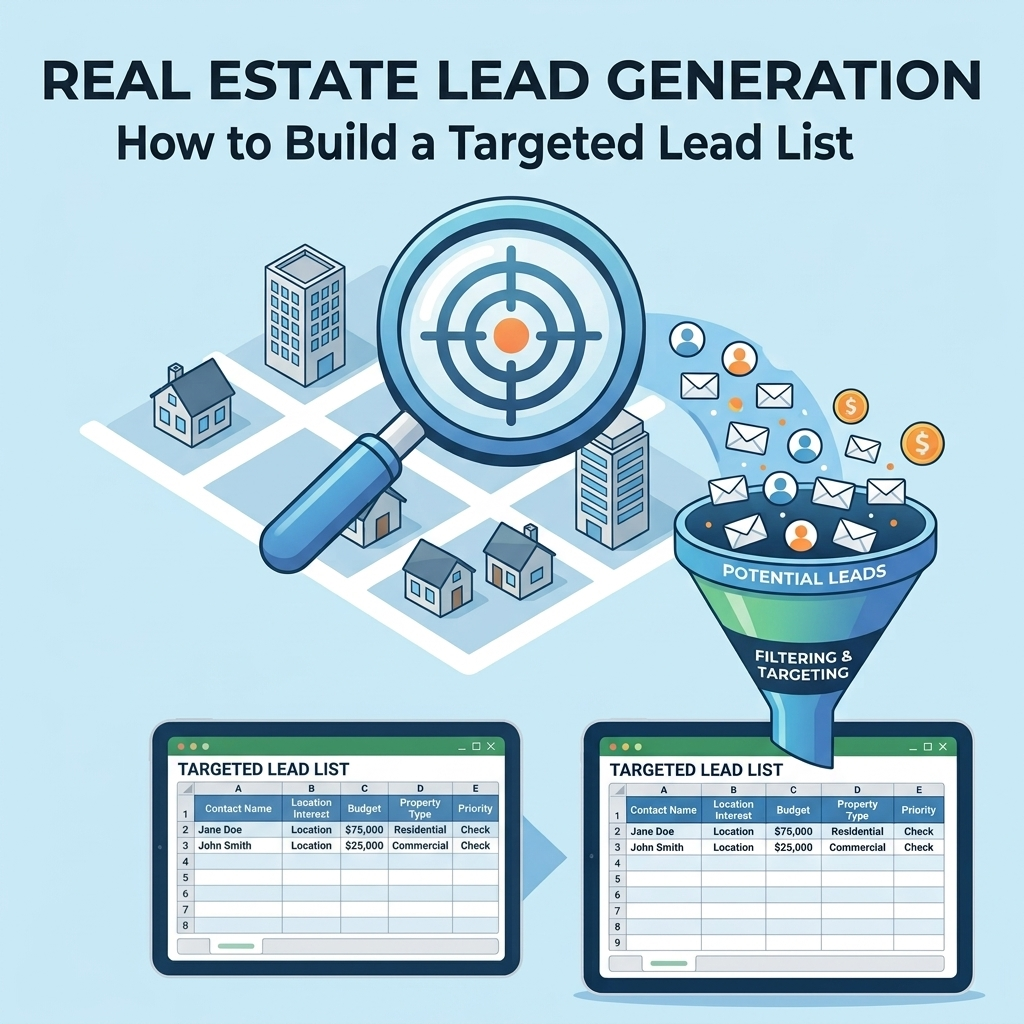
What Is B2B Lead Data Validation?
B2B lead data validation is the structured review of information about a business, its contacts, and their relevance to your prospecting criteria.
The goal is not simply to confirm that a record exists. A useful validation process asks whether the record is:
- Accurate enough for business use
- Relevant to your ideal customer profile
- Current enough for the intended campaign
- Free from obvious duplicates and conflicting information
- Complete enough for the next step in the sales process
This makes data validation different from simply collecting more leads. A larger database does not automatically create a better prospecting pipeline.
Why Lead Data Quality Matters in B2B Prospecting
Prospecting depends on the quality of the records being used. If company size, industry, location, decision-maker information, or other important fields are incorrect, the sales team may spend effort on prospects that do not match the intended audience.
Poor data can also create unnecessary manual work. A representative may need to research a company again, determine whether a contact still works there, identify the correct decision-maker, or remove duplicate records before outreach.
That is why lead quality should be considered part of the prospecting process rather than a separate cleanup task performed after a database becomes difficult to manage.
5 Key Checks for Validating B2B Lead Data
1. Verify the Company Information
Start with the organization itself. Confirm that the company record contains the information needed to determine whether it belongs in your target market.
Depending on your ICP, useful company-level fields may include:
- Company name
- Industry or business category
- Business location
- Website or domain
- Company size or another relevant qualification field
Do not assume that every field needs to be validated in the same way. The fields that matter most depend on how your business defines a qualified prospect.
2. Check Contact Relevance
A valid company record does not automatically mean that the associated contact is the right person to approach.
Review whether the contact's role is relevant to the product or service being promoted. For example, a campaign targeting operations leaders should have a different contact-validation process from a campaign targeting finance decision-makers.
Useful checks include:
- Is the contact associated with the correct company?
- Does the role match the campaign's target audience?
- Is the person's business function relevant?
- Does the available contact information correspond with the organization?
3. Check Data Freshness
Lead data changes over time. Companies change locations, employees change roles, businesses change their focus, and contact records can become outdated.
For that reason, validation should include a freshness check rather than treating a previously collected database as permanently accurate.
A practical approach is to identify the fields most likely to change and give them greater attention during periodic reviews. Contact role, company information, and other time-sensitive fields may require more frequent checking than relatively stable internal classification fields.
4. Identify Duplicates and Conflicting Records
Duplicate records can enter a database when information comes from multiple sources or when the same company is collected through different prospecting workflows.
Before using a dataset for outreach, look for records that represent the same business or contact under slightly different names or formats.
Common warning signs include:
- Repeated company domains
- Multiple records with the same contact details
- Different company names associated with the same organization
- Multiple versions of the same contact record
- Conflicting information between records
Deduplication is especially important when combining data from several sources. Otherwise, one prospect can appear multiple times in the same campaign or reporting workflow.
5. Check Completeness Against Your Qualification Rules
Not every incomplete record is automatically unusable. The important question is whether the missing information prevents you from making a reliable qualification decision.
Define the minimum fields required for your prospecting workflow. Then check each record against those requirements.
| Validation Area | What to Check | Why It Matters |
|---|---|---|
| Company | Name, industry, location, website | Confirms the business matches your targeting criteria |
| Contact | Name, role, company association | Helps determine whether the person is relevant |
| Freshness | Review timing and current information | Reduces reliance on outdated records |
| Duplicates | Repeated companies and contacts | Keeps prospect lists cleaner |
| Completeness | Required fields for the campaign | Supports consistent qualification |
How to Evaluate a B2B Lead Data Source
Data quality depends partly on how the data was collected. When evaluating a lead source, look beyond the size of the database.
Consider these questions:
- What type of businesses does the source cover?
- Which fields are available for each record?
- How is the data organized and standardized?
- How can outdated or duplicate records be identified?
- Does the data structure support your qualification criteria?
- Can records be reviewed or validated before they enter your main workflow?
A source that contains many records may still require substantial cleanup before the data becomes useful for a specific campaign. Evaluate the dataset based on how well it supports your actual prospecting requirements, not just its record count.
A Simple B2B Lead Validation Workflow
A repeatable workflow can make validation easier to manage as your prospect database grows.
- Define your qualification rules. Identify the company and contact attributes that matter for the campaign.
- Collect the source data. Bring prospect records into a consistent structure.
- Standardize key fields. Use consistent formats for names, domains, locations, and other important fields.
- Check company-level information. Confirm that the organization fits the intended audience.
- Review contact relevance. Check whether the contact's role matches your outreach criteria.
- Identify duplicates. Compare records before adding them to the active prospecting list.
- Flag incomplete or uncertain records. Separate records that require additional review instead of treating every record as equally reliable.
- Approve the usable records. Move validated records into the appropriate sales or marketing workflow.
The important part is consistency. A documented workflow makes it easier for different people or processes to apply the same quality rules.
Manual vs. Automated Lead Validation
Manual review can work for a small number of records, particularly when the qualification criteria are complex or require human judgment. However, reviewing large datasets manually can become time-consuming.
Automation can help with repeatable tasks such as formatting, duplicate detection, field checks, classification, and workflow routing. Human review can then focus on records that need judgment or additional investigation.
| Approach | Useful For | Consideration |
|---|---|---|
| Manual validation | Small datasets and complex reviews | Can require significant time as volume grows |
| Automated checks | Repeatable validation and data cleanup | Rules need to be defined and maintained |
| Hybrid workflow | Large datasets with exceptions requiring review | Requires clear handoff rules between automation and human review |
For businesses handling larger prospect datasets, a structured data validation process can help separate repeatable quality checks from records that need additional review.
How Often Should B2B Lead Data Be Validated?
There is no single review interval that fits every business or every dataset. The right approach depends on how quickly the information changes and how the data is used.
Instead of relying on a fixed assumption, consider creating validation triggers such as:
- Before launching a new outreach campaign
- When importing data from a new source
- After combining multiple prospect lists
- When a large number of records show conflicting information
- During regular database maintenance
This turns validation into an operational process rather than an emergency cleanup exercise.
B2B Lead Data Validation Checklist
Use this checklist before moving a prospect list into an active outreach workflow:
- ☐ Company information matches the target market
- ☐ Company and contact records are associated correctly
- ☐ Contact roles match the campaign criteria
- ☐ Required fields are present
- ☐ Time-sensitive information has been reviewed
- ☐ Duplicate records have been identified
- ☐ Conflicting records have been flagged or resolved
- ☐ Records that need additional research are separated
- ☐ Validated records are clearly distinguished from unverified records
Common Lead Data Quality Problems
Several problems appear repeatedly when businesses build or combine B2B prospect lists.
Too Much Focus on Record Volume
A large database can look impressive, but volume alone does not establish whether the records are relevant or usable. Qualification rules should determine what belongs in the active prospecting pool.
Assuming Old Data Is Still Current
A record that was useful when collected may require review later. Treating historical data as permanently current can introduce avoidable quality problems.
Mixing Validated and Unverified Records
If verified and unverified records are stored together without clear status indicators, users may assume that every record has gone through the same quality checks.
Ignoring Duplicate Records
Duplicates can distort prospect counts and create repetitive outreach. A simple deduplication step can improve the consistency of downstream workflows.
Validating Without Clear Rules
Validation becomes inconsistent when different people use different definitions of a qualified record. Document the rules before reviewing the dataset.
How Reliable Data Supports Better Prospecting
Lead data validation does not replace a strong ICP or a well-designed prospecting strategy. It supports them.
Your B2B prospecting process can identify the characteristics of a qualified business lead. Data validation then helps determine whether the records collected actually meet those requirements.
This creates a more structured sequence:
- Define the ideal customer profile.
- Identify potential businesses and contacts.
- Validate the collected data.
- Separate qualified, incomplete, and uncertain records.
- Use the validated records in the appropriate outreach workflow.
When these steps are connected, data quality becomes part of the prospecting process instead of something addressed only after problems appear.
Need Help Validating B2B Lead Data?
BrainyFlavors can help businesses organize and validate prospect data so teams can work with cleaner, more usable datasets.
Request a Data Validation QuoteFinal Takeaway
Reliable B2B prospecting starts with more than defining the right customer profile. The underlying lead data also needs to be reviewed for accuracy, relevance, freshness, completeness, duplicates, and consistency.
A practical validation workflow gives your team a clearer way to distinguish usable prospects from records that need further review. Whether the process is manual, automated, or a combination of both, the objective is the same: make data quality a repeatable part of your prospecting workflow.
Written by
Ashraful Haque
Process Improvement Consultant & Operations Specialist with expertise in Lean Six Sigma, financial workflows, and business intelligence systems.
Comments
Leave a comment
Comments are moderated and will appear after approval.
Recommended Products

Laplink PCmover Ultimate 11 - Migration of your Applications, Files and Settings from an Old PC to a New PC - Data Transfer Software - With Optional High Speed Ethernet Cable - 1 License
Migrate your applications, files, and settings from an old PC to a new one automatically - with optional high-speed Ethernet cable support.
Check Price
202 Cashflow Game - Rich Dad Poor Dad Robert Kiyosaki Game Robert Kiyosaki Cashflow Board Game + Free Expredited Shipping
A financial strategy board game built around cash-flow concepts, offering an interactive way to explore money decisions, income, expenses, and investing.
Check Price
Amazon Basics Mesh Pen Holder and Desktop Desk Organizer, Office Caddy Storage for Writing Utensils, 9.1 x 5.9 x 5.5 inches, Black
A simple mesh desk caddy that keeps pens, pencils, markers, and small office essentials organized and easy to reach.
Check PriceRelated Articles
B2B Prospecting: How to Find Qualified Business Leads
Learn how to find qualified B2B prospects by defining your ideal customer, researching decision makers, validating data, and building a repeatable prospecting process.
Read Article →Best Smart Logistics Services for Shipping Operations
Explore the key smart logistics services businesses can use to improve shipping operations, reduce manual work, strengthen visibility, and make better transportation decisions.
Read Article →Accounting Process Automation and Optimization: A Practical Guide
Explore how accounting process automation and optimization work together to improve accounting workflows, from process mapping and standardization to automation, review, measurement, and continuous improvement.
Read Article →