Automated Lead List Cleaning: A Practical Guide
Learn how to automate lead list cleaning, from duplicate removal and standardization to validation and ongoing pipeline maintenance.

Lead lists rarely stay clean for long. A list assembled from multiple sources can contain duplicate companies, inconsistent names, incomplete contact fields, formatting errors, outdated records, and conflicting information. Cleaning those records manually becomes increasingly difficult as lead volume grows.
Automated lead list cleaning turns that repetitive work into a repeatable data workflow. Instead of manually checking every row, you define rules for standardization, duplicate detection, validation, field mapping, and exception handling, then apply those rules consistently across incoming lists.
This guide explains how to design a practical automated lead-cleaning process for sales teams, lead buyers, and agencies, including what to clean, what to validate, which steps should remain human-reviewed, and how to build a workflow that can run repeatedly as new data arrives.
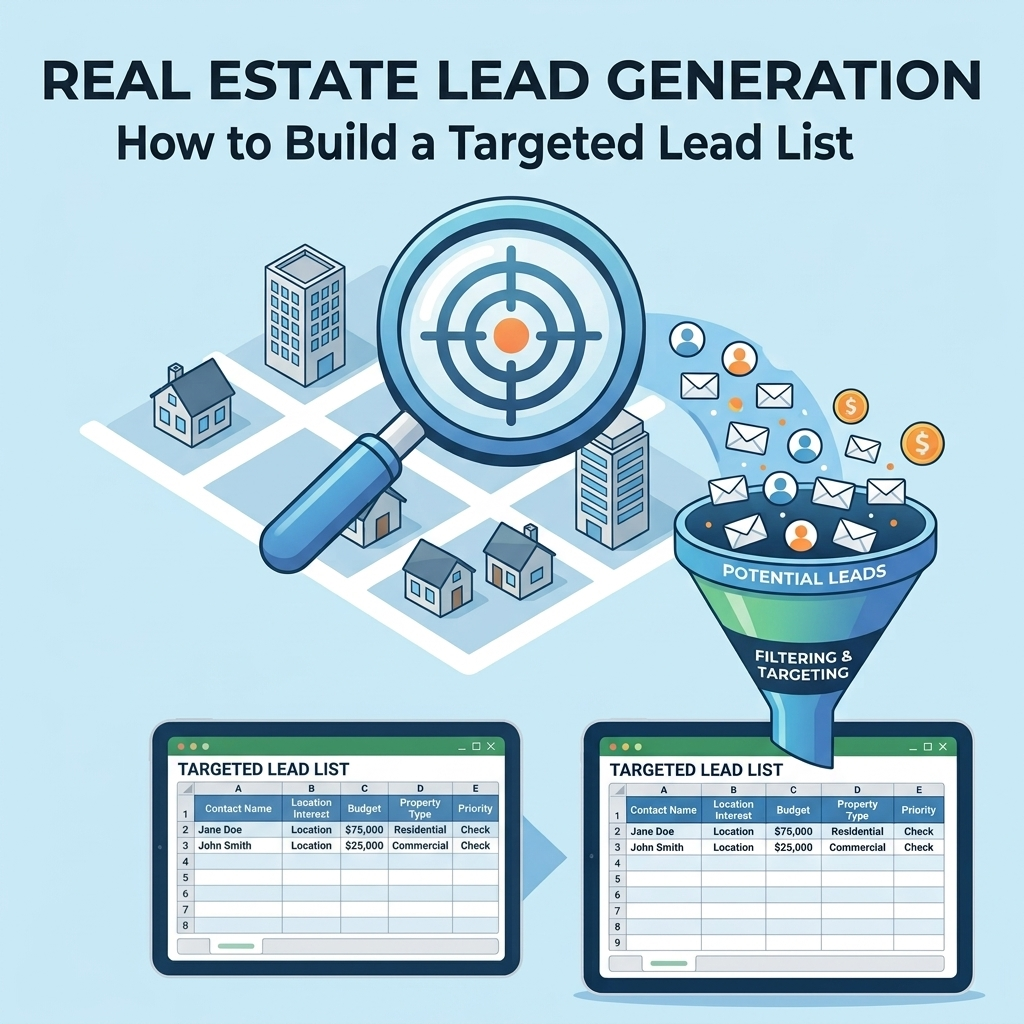
What Is Automated Lead List Cleaning?
Automated lead list cleaning is the process of using predefined rules, scripts, formulas, or data workflows to identify and correct common problems in a lead database or spreadsheet.
A typical workflow may inspect fields such as:
- First and last name
- Company name
- Job title
- Email address
- Phone number
- Website or domain
- City, state, and ZIP code
- Industry or business category
- Lead source
- Record status
The objective is not simply to make a spreadsheet look tidy. The objective is to create records that are consistent enough to support downstream activities such as segmentation, outreach, CRM imports, reporting, and lead qualification.
Why Lead List Cleaning Becomes Difficult at Scale
Manual cleanup can work for a small spreadsheet. The problem appears when lead data is collected continuously or combined from multiple sources.
For example, the same company might appear in different datasets as:
- ABC Construction LLC
- ABC Construction, LLC
- ABC Construction
- ABC CONST LLC
Those records may refer to the same business even though an exact text comparison would treat them as different values.
The same problem can occur with phone numbers, addresses, domains, job titles, names, and other fields. A cleaning workflow therefore needs more than simple sorting and filtering.
The Core Components of Automated Lead List Cleaning
A useful automated workflow usually consists of several distinct stages. Separating them makes the process easier to test, troubleshoot, and maintain.
1. Standardize the Input Structure
Before cleaning individual values, establish a consistent structure for the dataset.
For example, different source files might use:
CompanyCompany NameBusiness NameOrganization
A standardized workflow can map these source fields into one destination field, such as Company Name.
The same principle applies to contact names, phone numbers, email addresses, locations, and lead-source fields.
2. Normalize Text Fields
Text normalization makes equivalent values easier to compare.
Common operations include:
- Removing unnecessary leading and trailing spaces
- Normalizing repeated spaces
- Standardizing capitalization where appropriate
- Removing unwanted formatting characters
- Normalizing common punctuation differences
Normalization should be applied carefully. Automatically changing every piece of text can damage legitimate business names or titles. The rules should therefore be field-specific rather than blindly applied to the entire dataset.
3. Detect Duplicate Records
Duplicate detection is one of the most valuable parts of lead list cleaning.
A basic duplicate check can compare an exact identifier, such as an email address or domain. More complex datasets may require multiple fields.
For example, a duplicate rule might consider a combination of:
- Normalized company name
- Website domain
- Contact email
- Phone number
- Location
Different fields can have different levels of reliability. A workflow should therefore distinguish between an exact duplicate and a possible duplicate instead of automatically deleting every similar record.
4. Validate Required Fields
Cleaning and validation are related but different processes.
Cleaning changes or standardizes data. Validation determines whether a value meets a defined rule.
Examples include checking whether:
- An email field follows an expected email format
- A required company name is present
- A phone field contains an acceptable structure
- A ZIP code follows the expected format for the target market
- A website field contains a recognizable domain structure
For more structured validation workflows, BrainyFlavors provides data validation services.
5. Separate Clean Records From Exceptions
Not every questionable record should be deleted.
A better workflow can classify records into groups such as:
| Status | Meaning | Recommended action |
|---|---|---|
| Clean | Passed the defined cleaning and validation rules | Move to the usable lead dataset |
| Duplicate | Matches an existing record according to the duplicate rules | Merge, retain, or remove according to policy |
| Incomplete | One or more required fields are missing | Enrich or send for review |
| Invalid | One or more values fail validation rules | Correct, replace, or exclude |
| Review | Automated rules cannot confidently determine the correct result | Send to human review |
This approach prevents automation from making irreversible decisions when the underlying data is ambiguous.
A Practical Automated Lead Cleaning Workflow
A repeatable pipeline can follow a straightforward sequence:
- Import: Collect records from the approved source files or systems.
- Map: Match source columns to the standardized schema.
- Normalize: Apply field-specific formatting rules.
- Validate: Check required fields and defined data rules.
- Deduplicate: Identify exact and potential duplicate records.
- Classify: Mark records as clean, duplicate, incomplete, invalid, or review.
- Export: Produce a clean dataset in the required structure.
- Log: Preserve processing information so the workflow can be audited and improved.
The key is to make the process repeatable. If the same list-cleaning rules have to be manually reconstructed every time a new file arrives, the process has not been fully automated.
Example: Cleaning a Lead List Before CRM Import
Imagine an agency receives several lead files from different sources. One source provides company names in uppercase, another includes inconsistent phone formatting, and a third uses a different column structure.
A practical workflow could first map all sources into a common schema:
| Standard field | Possible source fields | Cleaning task |
|---|---|---|
| Company Name | Company, Business, Organization | Normalize whitespace and defined punctuation |
| Contact Name | Name, Full Name, Contact | Standardize structure |
| Email, Email Address | Validate format and normalize case where appropriate | |
| Phone | Phone, Telephone, Mobile | Normalize formatting |
| Website | Website, URL, Domain | Normalize domain representation |
After normalization, the workflow can run duplicate and validation rules before producing a CRM-ready output.
Exact Matching vs. Fuzzy Duplicate Detection
Duplicate detection generally becomes more difficult when records are similar rather than identical.
Exact Matching
Exact matching looks for identical normalized values. It is predictable and easy to audit.
For example, if two records contain the same normalized email address, they can be flagged as duplicates according to the workflow's rules.
Similarity-Based Matching
Similarity-based matching is useful when values differ slightly but may represent the same entity.
For example:
- ABC Plumbing LLC
- ABC Plumbing, LLC
A similarity rule may identify these records as potential matches. However, similarity should generally be treated as a signal rather than automatic proof that two records are identical.
This distinction is important because aggressive deduplication can remove legitimate contacts from the same company or merge businesses that only happen to have similar names.
How to Design Safe Cleaning Rules
Automation works best when each rule has a clearly defined purpose.
For every cleaning rule, document:
- Input: Which field does the rule inspect?
- Condition: What qualifies as a problem?
- Action: What should the workflow do?
- Confidence: Is the result certain or ambiguous?
- Audit information: What should be recorded about the change?
For example, an email-format check can produce a clear pass or fail result according to a defined rule. A possible company-name duplicate may instead require a review status.
Cleaning Should Preserve the Original Data
One of the safest practices in automated data processing is to avoid treating the original dataset as disposable.
Instead, maintain separate layers such as:
- Raw input
- Processed data
- Validation results
- Exceptions or review queue
- Final clean dataset
This structure makes it easier to investigate an unexpected result and rerun the process when cleaning rules change.
Lead Cleaning in Google Sheets
For teams already working in Google Sheets, lead cleaning can be incorporated into a spreadsheet-based automation workflow.
Depending on the requirements, automation can handle tasks such as:
- Standardizing incoming columns
- Flagging duplicates
- Applying validation rules
- Moving exceptions to a review sheet
- Generating a clean output sheet
- Running repeatable processing steps when new data arrives
For workflows centered around spreadsheets, Google Sheets automation can connect the cleaning process to the team's existing operating workflow.
When Manual Cleaning Still Makes Sense
Automation does not mean every decision should be made without human involvement.
Manual review remains useful when:
- The data is highly inconsistent.
- Duplicate records are difficult to distinguish confidently.
- Business-specific rules are not yet documented.
- A field requires contextual interpretation.
- The consequences of an incorrect merge or deletion are significant.
A hybrid workflow is often more practical: automate predictable decisions and route ambiguous records to a human review queue.
Common Lead Cleaning Mistakes
Deleting Records Instead of Flagging Them
Deleting questionable data immediately can make errors difficult to recover from. A status or review field provides a safer way to handle uncertainty.
Using One Rule for Every Field
Email addresses, company names, phone numbers, and addresses have different data characteristics. Cleaning logic should reflect those differences.
Ignoring Source Information
Keeping the original source can help identify recurring problems and determine which datasets need better preprocessing.
Building a One-Time Script
A script that cleans one spreadsheet once is useful, but a reusable workflow is more valuable when lead lists arrive regularly.
Skipping Validation After Cleaning
A record can be standardized and still contain invalid or incomplete information. Cleaning should therefore be followed by validation checks.
Lead List Cleaning Checklist
Open the practical checklist
- Define the required fields.
- Standardize source column names.
- Normalize field-specific formatting.
- Identify exact duplicates.
- Flag potential duplicates separately.
- Validate important fields.
- Separate clean records from exceptions.
- Preserve raw source data.
- Record processing results.
- Test the workflow with representative data.
- Review ambiguous records before destructive actions.
- Make the workflow repeatable for future datasets.
When to Automate Lead List Cleaning
Automation becomes particularly useful when lead data is processed repeatedly, comes from multiple sources, or requires the same cleanup rules every time.
A useful decision framework is:
| Situation | Practical approach |
|---|---|
| Small one-time list | Manual or spreadsheet-based cleaning may be sufficient |
| Recurring lead files | Automate repeatable cleaning rules |
| Multiple data sources | Build a standardized ingestion and mapping workflow |
| Frequent duplicate problems | Implement explicit matching and review rules |
| Complex validation requirements | Combine automated validation with exception handling |
| Large operational pipeline | Use a reusable cleaning and monitoring process |
Build Lead Cleaning as a Repeatable Data Pipeline
The biggest improvement comes when lead cleaning stops being an isolated spreadsheet task and becomes part of the lead-data pipeline.
A mature workflow can be structured as:
Source data → Field mapping → Normalization → Validation → Duplicate detection → Exception review → Clean dataset → CRM or outreach workflow
That architecture makes the cleaning process easier to repeat whenever new leads arrive. It also makes the rules visible and testable instead of relying on one person's memory or manual spreadsheet habits.
For organizations that need broader record cleanup, BrainyFlavors also offers data cleaning services designed around structured data-processing requirements.
Final Takeaway
Automated lead list cleaning is most effective when it is treated as a data-quality workflow rather than a simple spreadsheet cleanup task. Standardize the structure, normalize the appropriate fields, validate important values, detect duplicates carefully, and separate uncertain records for review.
The result is a repeatable process that can prepare incoming lead data for the systems and workflows that depend on it. For agencies and lead buyers handling recurring datasets, that repeatability is often the most important part of the automation.
Written by
Ashraful Haque
Process Improvement Consultant & Operations Specialist with expertise in Lean Six Sigma, financial workflows, and business intelligence systems.
Comments
Leave a comment
Comments are moderated and will appear after approval.
Recommended Products

Process Improvement Specialist and Artificial Intelligence: A Practical Self-Learning Course for Mapping Work, Finding Waste, Using AI Responsibly, and Building an Improvement Portfolio
A practical self-learning course for process improvement specialists covering work mapping, waste reduction, responsible AI use, and improvement portfolios.
Check Price
Taja Weekly To Do List Notepad with 52 Undated Sheets (8.5×11) - Weekly Desk Planner for Women & Man, Work and Home - 1 Pack Violet Dream
A practical undated weekly planner for organizing tasks, priorities, and routines without being locked into a calendar year.
Check Price
Weekly To Do List Notepad with 52 Undated Sheets (8.5×11) - Undated Weekly Planner Notepad for Office Desk Accessories and Supplies - Midnight Lilac
A simple weekly planning pad that turns a busy workload into a clear visual list, making priorities easier to capture and track.
Check PriceRelated Articles
Digital Marketing Tools & Software: Best Practices
Learn how to evaluate digital marketing tools and software by workflow, data, automation, reporting, and integration needs.
Read Article →Technical SEO Tools: Software and Best Practices
Compare technical SEO tools by purpose, learn what each can diagnose, and build a practical workflow for auditing and monitoring your website.
Read Article →Technical SEO Strategies: Advanced Best Practices
Learn how to diagnose technical SEO issues, improve crawling and indexing, manage canonical URLs, and build a practical optimization workflow.
Read Article →